
Related Products


EMEET 1080P Webcam with Microphone,...
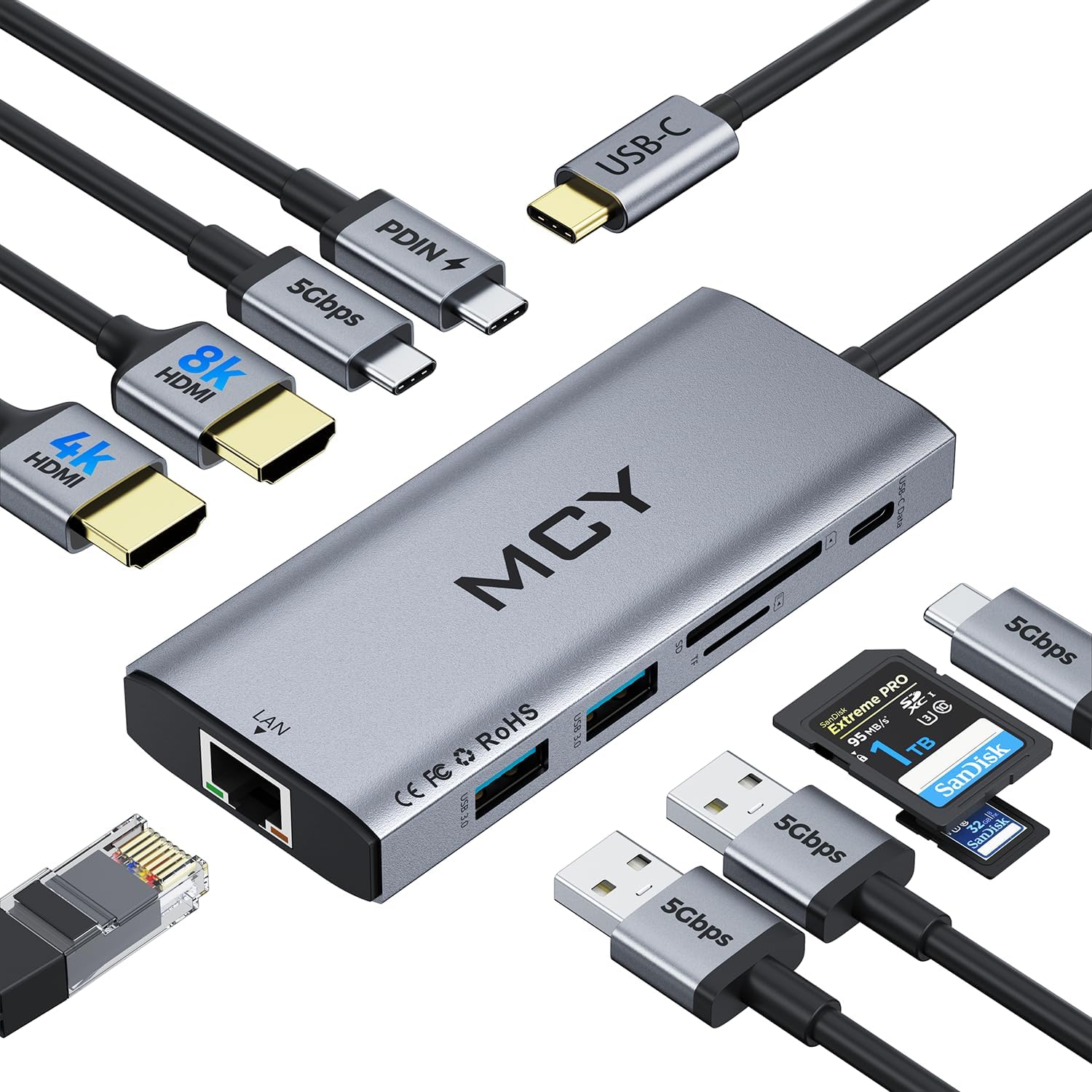
MCY USB C Hub,Laptop Docking Station...

HP 15.6″ Laptop with Microsoft...


Product description
WAVLINK 19-In-1 Quad 5K/4K Universal Docking Station with 100W Power Delivery 


1 High Resolution
2 Mirror & Extend Mode
3 Multi-scenario Use
4 Connection Tips

100W PD for laptop charging via USB-C (host) port, 30W USB-C (PD) port for type-C device charging.

USB3.1-A & USB 3.0-A ports support transfer speed up to 10Gbps/5Gbps with no delay or interruption.

Ensures an ultra-secure and stable wired network–backwards compatible with 10/100/1000 Mbps.

Perfect for Laptops with USB-A, USB-C, USB 4, or Thunderbolt 3/4 Ports
1 Dual Quick Charging 2 Fast Data Transfer 3 2.5G Ethernet Port 4 Suit for USB-C/A
 DisplayLink Chipset
Universally compatible with almost any operating system, the DL-6910 chipset helps to support mirroring or extending quadruple displays at a time.
 Rotation & Clamshell Mode
Support both rotation and clamshell modes on Windows.
Att: Mac users will require MacOS12.0 or above to support both display rotation&clamshell mode.
 Perfect for M1/M2/M3/M4 Macs
Designed to meet the needs of MacBook users with M1/M2/M3/M4 chips, the dock enables them to connect 4 external monitors with different content.
 Security Lock Hole
Simply connect a Kensington lock (not included) to the lock hole included on your device to keep it secured and prevent it from being moved or stolen.
Compatibility and Displaylink Driver Installation


Warm Tips
Please follow the instructions to download the latest DisplayLink driver from the official website before use.Making sure that your laptop complies with USB PD charging and the charging power of your laptop is not higher than 100W.On Mac, turn on Security&Privacy–Screen Recording,Permission–Allow siliconmotion manager to join.Suitable for office/forms/documents/web browsing tasks; not suitable for highly intensive tasks such as gaming.Does not support HDCP (copyright-protected) content playback from Blu-ray/Netflix/Prime/iTunes/Hulu, etc.Does not support iPad OS/Linux/Unix systems.USB-C (PD30W) charging port is for charging only (no data transfer).
Do i have to install Display link driver for laptop to use 4 monitors?
Yes, docking station is based on Displaylink USB graphics technology which manages the Graphics and the audio and the gigabit ethernet functions. Please install the latest displaylink driver before use.
Why can’t my laptop get charged through USB C port?
Not all USB-C port support charging capabilities. Making sure that your laptop complies with USB C Power Delivery or claims Thunderbolt 3/4 charging capabilities. If it’s not supported, that comes with the system must be used to charge the battery.
When installing DisplayLink software on my Mac, why is it necessary to grant ‘Screen Recording’ permission?
macOS requires “Screen Recording” for the DisplayLink driver to work properly. Approving it enables the driver to send data over USB from your computer to the DisplayLink-powered display. No data, images, or pixels are being stored or recorded.
Does this dock allow for four displays even on base M1, M2, M3 or M4 Macs?
Yes. Enabled by DisplayLink technology, UG69PD12 can connect four monitors even if the computer supports only one display output on its own. DisplayLink Manager installation required on Mac.
Multi-port Expansion: The WAVLINK USB C Quad Display 4K@60Hz Universal Dock comes with 4 HDMI and 4 DP ports, allowing you to connect up to 4 displays at the same time. Additionally, there are 4 USB ports, an SD 4.0 card reader, and a 2.5Gbps LAN interface, making it easy for users to expand their workspace and meet various needs.
Quadruple Monitor Support: The maximum resolution will be 5120x1440p60 (5K UItrawide) or 4096x2160p60 (Cinema 4K) if quad DisplayPort video outputs for quad monitors. Quad Display (HDMI/HDMI+DisplayPort ) resolution up to 3840×2160@60Hz or 4096×2160@60Hz (Cinema 4K). This docking station provides an immersive visual experience that is perfect for professional multitasking or entertainment purposes.
Powerful Charging Capability: Comes with a powerful 180W power adapter, the USB-C (host) charges your laptop with max.100W to keep it running all day, as well as powering your connected peripherals while displaying or transferring data. Worry-free about any low battery situation. Please make sure that the type-c port of your host supports power delivery. The USB-C port on the front supports 30W PD charging for any device that complies with USB PD charging.
Enhanced Audio Experience: Includes an audio port, allowing you to connect headphones or speakers for enhanced audio experience.
Wide Compatibility: This dock is compatible with Thunderbolt 3/4 interfaces and works with multiple operating systems such as Windows/Mac/Chrome, making it easy for users to use on different devices.
$299.99