
Related Products

GHome Smart 5G 15A WiFi Smart Plug...




Product description
Smart plug timer compatible with Alexa and Google

App controlled outlet
Alexa outlet supports the Tuya Smart/Smart Life App,but MOES App is highly recommended
Smart plug alexa compatible’s Function

smart timer plug alexa voice control
Google smart plugs supports Alexa voice control. You can pair smart plugs with Alexa in the MOES app. After pairing, you can directly control smart socket with your voice. No need to open the app or perform any manual operations—just start enjoying your smart life.

Timer Function
This smart outlet plug excels in reliable basic functionality. Beyond standard countdown/timer settings,wifi controlled outlet incorporates practical modes like loop timing, random timing, and momentary switch operation (each enchufes inteligentes interface can be controlled independently).

Home automation
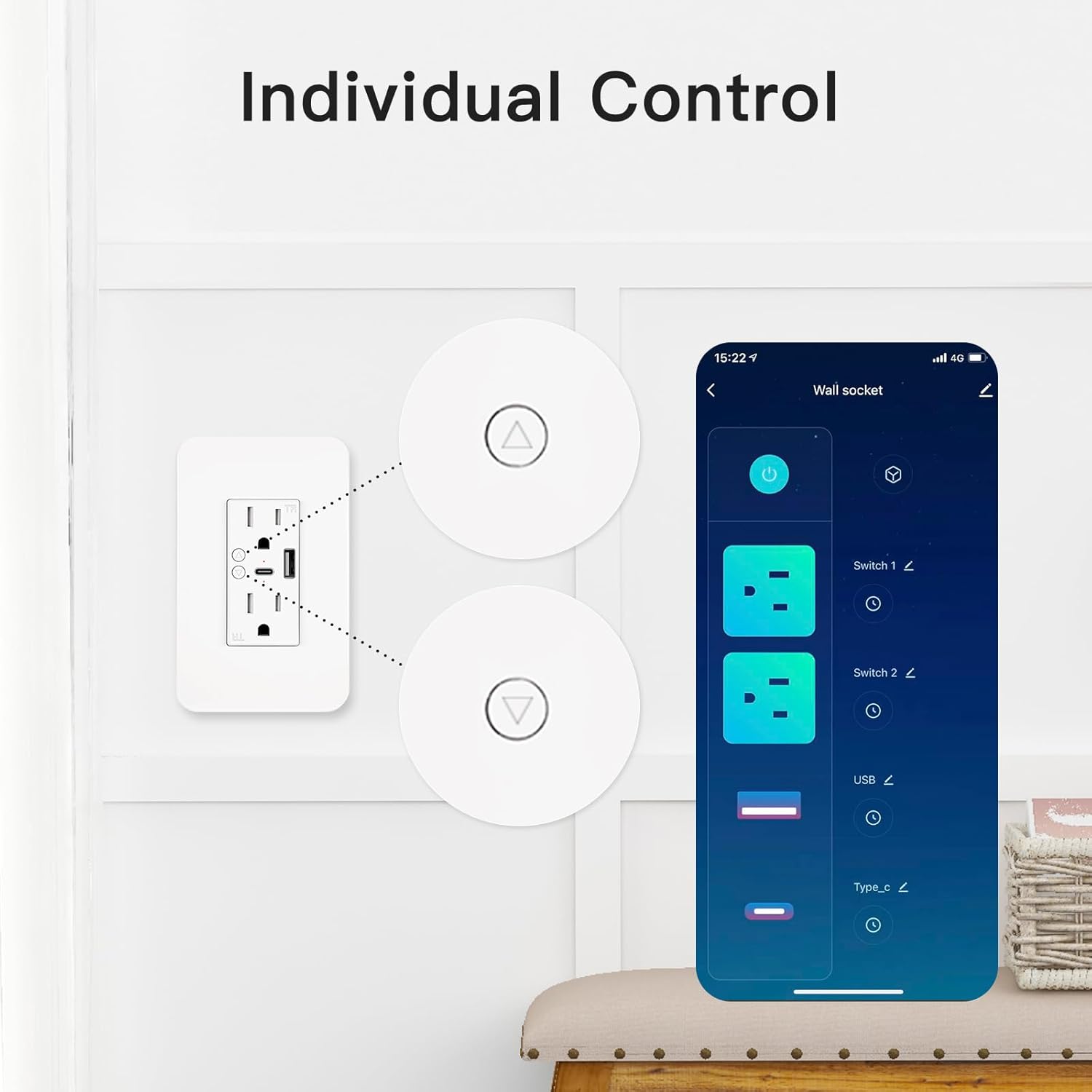
This smart life plug is designed with practicality at its core. Each port on the smart plugs alexa can be controlled independently, offering a more intuitive and flexible user experience. Smart plug with timer features 2 outlets, 1 usb smart plug, and 1 tpy-C port. Every port can be switched on or off individually. This google plug smart outlet delivers an efficient and reliable experience.

Remote outlet plug
Smart life plugs supports remote control. Whether you’re at home or at the office, you can remotely control smart socket outlet. Combined with smart timer’s scheduling feature, create a comfortable home environment for yourself and say goodbye to manual switching.
Note: During the initial setup, tomacorriente inteligente must be connected to the same Wi-Fi network. Afterward, you can control timer plug outlet via your phone’s mobile data network.

Multiple Smart Wall Plugs Management
The plug with timer is installed directly on the wall, and you can purchase multiple timer plugs for your home. Each timer for outlet can be managed within the app, and you can name each one—wireless outlet’s one of the essential choices for enabling smart life.

Family Sharing
You can share control of timer outlet with your family members. outlet timers indoor can be shared with up to 20 people.
The specific steps are as follows:
1: Open the app
2: Tap Share Device
3: Add Sharing

Protection Settings
The smart wifi plug features a child lock design that effectively safeguards children’s safety by preventing accidental activation. To disable the lock locally, press the google smart plug button four times consecutively.

Default Mode/APP Mode
Indicator flashes rapidly (twice per second, indicating smartplug is in Default Mode)
Indicator flashes slowly (once every 3 seconds, indicating smart-plug is in APP Mode)
Press and hold the power button for 7-10 seconds,
wifi outlets to switch modes.
How to connect smart outlet to an app

1: Ensure Bluetooth is turned on
2: Verify the red light on outlet timers is flashing. If not, press and hold any switch on smart usb plug for 7-10 seconds. A flashing green light indicates outlet with timer has entered pairing mode
3: Open the moes app, tap “+”, select “Add Device”, enter your WiFi password, then tap Next. Wait for pairing to complete.
4: After successful addition, edit electrical outlet switches’s name and tap Next to manage each wifi timer switchinterface. Start enjoying smart home devices!
Alexa compatible smart plugs

Works with alexa
1: Launch the MOES app and ensuresmart power outlet appears in the app list.
2: Minimize the MOES app, then launch the Alexa app. Ensure your Alexa account has at least one Alexa-enabled device.
3: On the home screen, tap the menu icon in the top-left corner and select ‘Skills & Games’.
4: Tap Search and enter ‘MOES’.
5: Launch MOES, log in to your account, and complete the account setup.
6: Once your Alexa account is linked to the Link Plug Smart, subsequent access to your Alexa account will automatically display Alexa Outlets without requiring additional setup.
How to connect smart plug google home to an app

smart plugs that work with google home
1: Enable Google Home and ensure the Google Home speaker is turned on.
2: Open the app, tap the HOME icon in the top-left corner to access the menu, then select “Home control.”
3: After successfully linking your account, you will see all your smart. plugs.
Fernsteuerung: Sie können das wifi plug über die App fernsteuern und so das wifi outlet plug gleichzeitig ein- und ausschalten. Eine separate Steuerung verschiedener Schnittstellen am smart plug ist möglich, und jede Steckdose am smart plug outlet kann individuell gesteuert werden. Dies verhindert elektrische Gefahren und schützt die Sicherheit Ihres Haushalts (kompatibel mit der Tuya App, MOES App und Smart Life App).
Zwei Ladeanschlüsse USB+Typ C: Wifi plugs verfügt über zwei USB+Typ-C-Ladeanschlüsse und zwei Steckdosen. Ein einziges wifi timer outlet-Gerät reicht aus, um Ihre vielfältigen Anforderungen zu erfüllen. (Jeder Anschluss kann unabhängig voneinander gesteuert werden.)
Zeitplanfunktion: Sie können Ihre persönliche biologische Uhr auf dem smart outlet timer-Gerät konfigurieren. Mit Timer- und Countdown-Funktionen lassen sich angeschlossene Geräte automatisch ein- oder ausschalten. Darüber hinaus bietet das wifi switch outlet Funktionen wie zyklische Zeitplanung, zufällige Zeitplanung und Momentanschaltung, um unterschiedlichen Anwendungsszenarien gerecht zu werden.
Sprachsteuerung: Alexa smart plug unterstützt die Sprachsteuerung, sodass Sie smart plug alexa zu Hause mühelos ein- und ausschalten können, ohne die App zu benötigen. alexa plugs smart unterstützt auch die Familienfreigabe, sodass Sie bis zu 20 Mitglieder hinzufügen können, um alexa smart plugs gemeinsam zu verwalten.
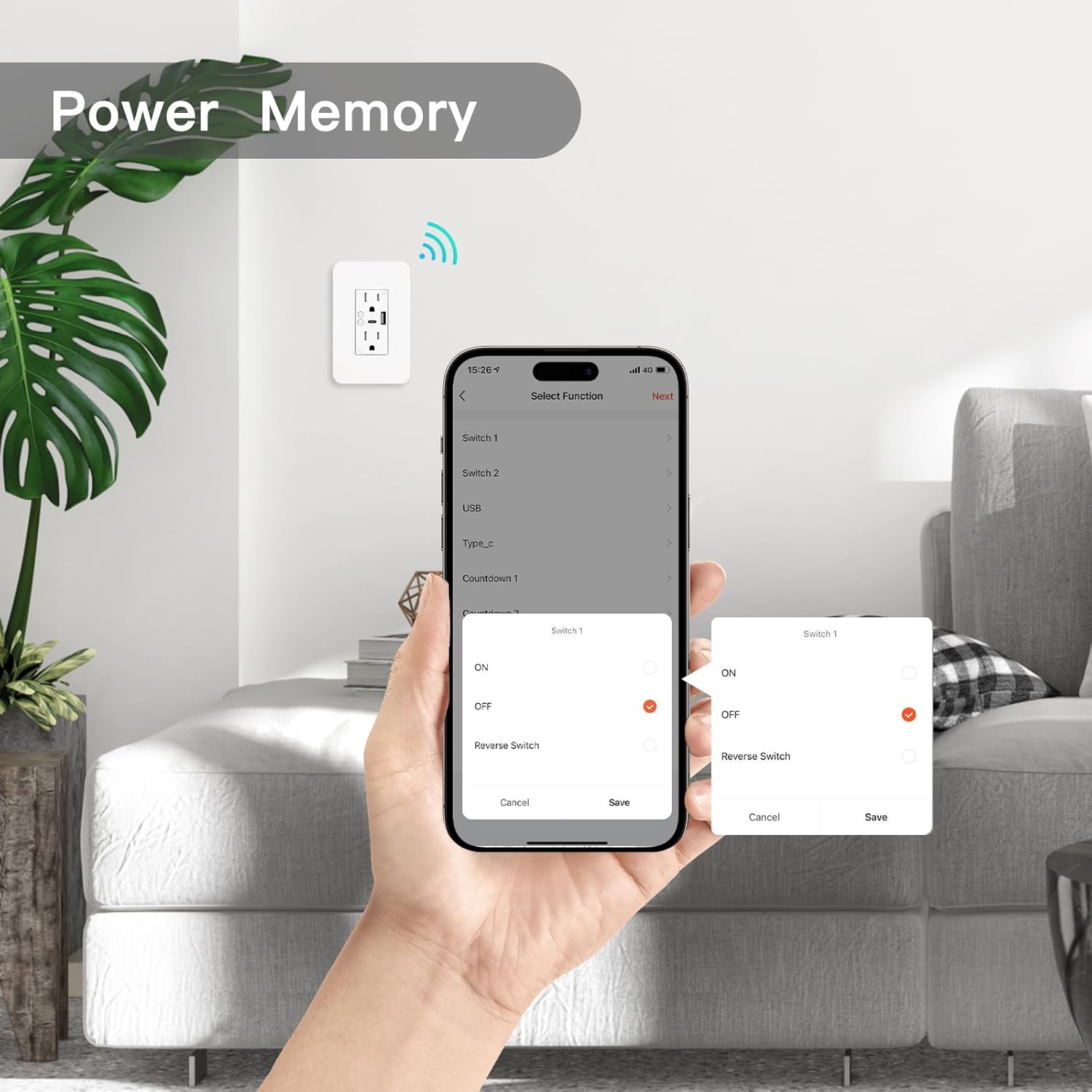
Ausfallspeicherfunktion: Sollte es bei dem wifi plugs smart plug zu einem unerwarteten Stromausfall kommen, aktiviert es seine Ausfallspeicherfunktion, sodass die voreingestellten Werte nach Wiederherstellung der Stromversorgung wiederhergestellt werden können. Darüber hinaus verfügt das alexa plug über eine Kindersicherung, um eine versehentliche Aktivierung durch Kinder zu verhindern. Diese kann nach vier aufeinanderfolgenden Ein-/Ausschaltzyklen lokal deaktiviert werden.
$39.99